Persona I
Persona I is a production model built around an avatar host. It fronts your video with a photoreal presenter, then builds the whole video around them: AI-generated footage matched to what is being said, the presenter seen from different angles and distances, and backgrounds with real movement in them.
It is not lip sync over stock footage. Every visual is generated for your script.

What makes it different
On a normal AI Avatar video, your presenter delivers narration and VidRush cuts sourced footage around them. Persona I generates the footage instead of sourcing it, and generates it to match your script line by line.
That changes what you get:
- The presenter is in the world, not pasted on it. You see them in profile and full body, not just head-on, and they do things relevant to the topic rather than standing and talking.
- Backgrounds move. Leaves shift, light changes. The shot breathes rather than sitting still behind a cutout.
- Every sentence gets its own visual. Footage is generated to match the narration rather than matched to it from a library.
Because everything you see is generated for you, it is original by construction. There is no sourced footage to check, which is why Persona I skips the compliance and creative-asset settings that other models need.
What you need to start
Persona I requires two things, and it will not generate without both:
- A Custom Script. You write the narration. See Custom Script.
- An avatar. All avatars in your library work here.
Select Persona I in the model picker and the two options above the prompt box change to Use AI avatar and Custom script. The Talking Head option is not available on this model.
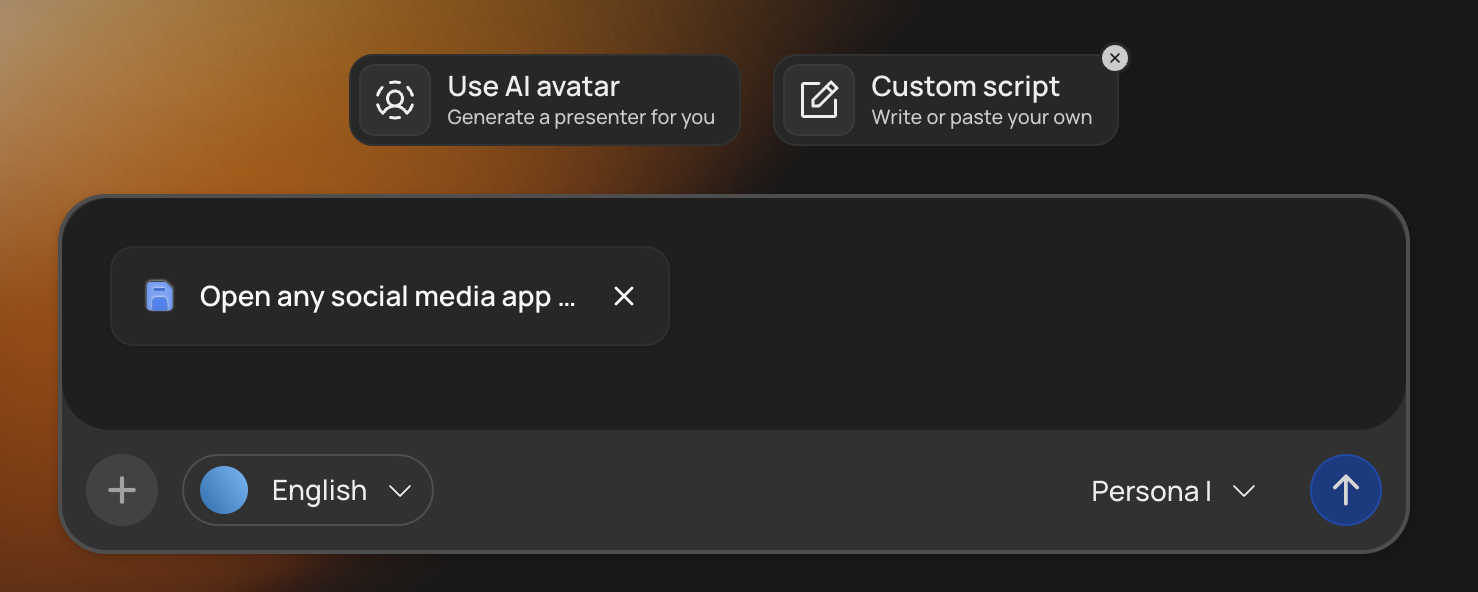
Creating an avatar to use with Persona I
Your avatar library will look empty if you have not created any avatars before. If you already have some, you can use them with Persona I generation. Create one from the Use AI avatar panel:
- Name the avatar and describe its background, which becomes its variation.
- Upload your image.
- Pick a voice.
- Generate. That is all of it.
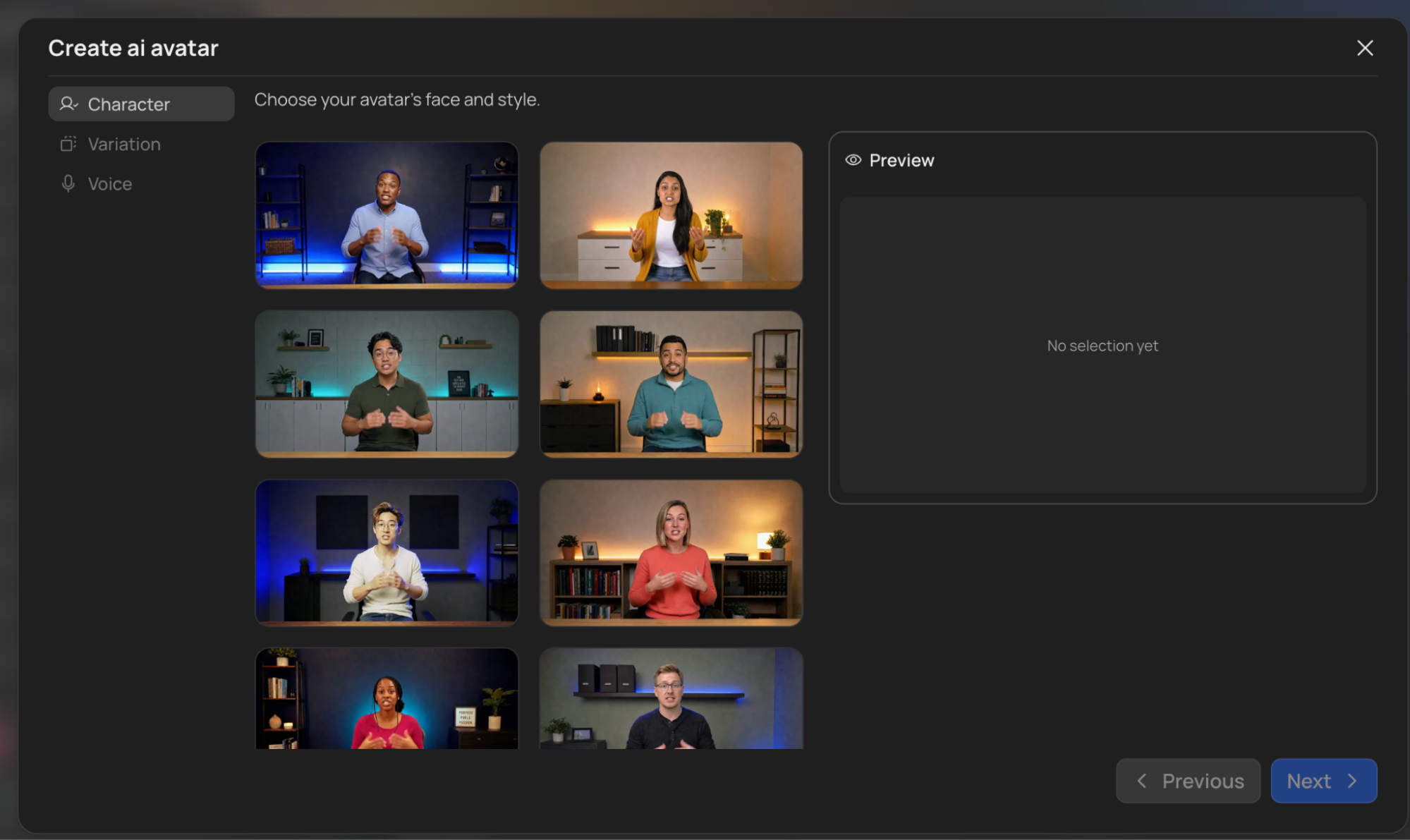
Creating the avatar is not a separate purchase. You still only pay for video generation per minute, with or without the avatar.
What it costs
Persona I is priced per minute of finished video, and the rate is shown on its card in the model picker and again in The Quote Statement before you approve.
That rate covers the avatar as well as the video, so there is no separate avatar charge on top.
Credits come from your ordinary balance. See Credits & Billing.
Going through the Quote Statement
The Quote Statement is shorter on Persona I. You see Settings & Details and Estimated Cost only. The Creative Assets and Compliance tabs are not shown, because there is no sourced footage for them to govern.
From there you continue to the thumbnail step as normal. See Thumbnail Generator.
Editing Style and Script Style do not apply on Persona I. They only work on Deep Video v1 Pro with Experimental reasoning. If you want your saved styles used, switch models before generating. See Editing & Script Style.
Good to know
- Supported formats are Documentary and Top 10, the same as the rest of the platform. See Choosing Format & Length.
- Your avatar is reusable. Create it once and use it across videos, which is what makes it work as a recurring channel host.
- Duration. You can create videos up to 40 minutes long with Persona I.
- Everything after generation is normal. The editor, rendering, and publishing all behave the same way.
- Content rules still apply. A Persona I presenter is held to the same standard as any other on-screen presenter, and your script is checked the same way. See Input Validation.
- Using someone else’s face means having their permission. If the image is not of you, make sure you have the right to use their likeness.